Barebone Framework
Starting point
Barebone Framework Docs
Barebone Studio
Action
Access Control List (ACL)
Activerecord
Barebone URL's
Blokx
Browser Console
Build php classes with php classes
Condition
Config
Controller
Controller / Application Model
Console
Database
FastAPI
Filter $_POST
HTML
Inspector
JSON
JQGrid builder
Layouts
Log
Loggers
Map
Math
Model
Paginator
Pair
Process
Readers
Request
Response
ReRoute
Save as project
URL Helper
Views
ViewGroup
Writers
Zen coding
Barebone Studio
This is the GUI in which you could start programming immediately. Barebone GUI is an online editor build on the barebone framework that you can use direct in your browser. Barebone organises your applications and brings structure to your projects.
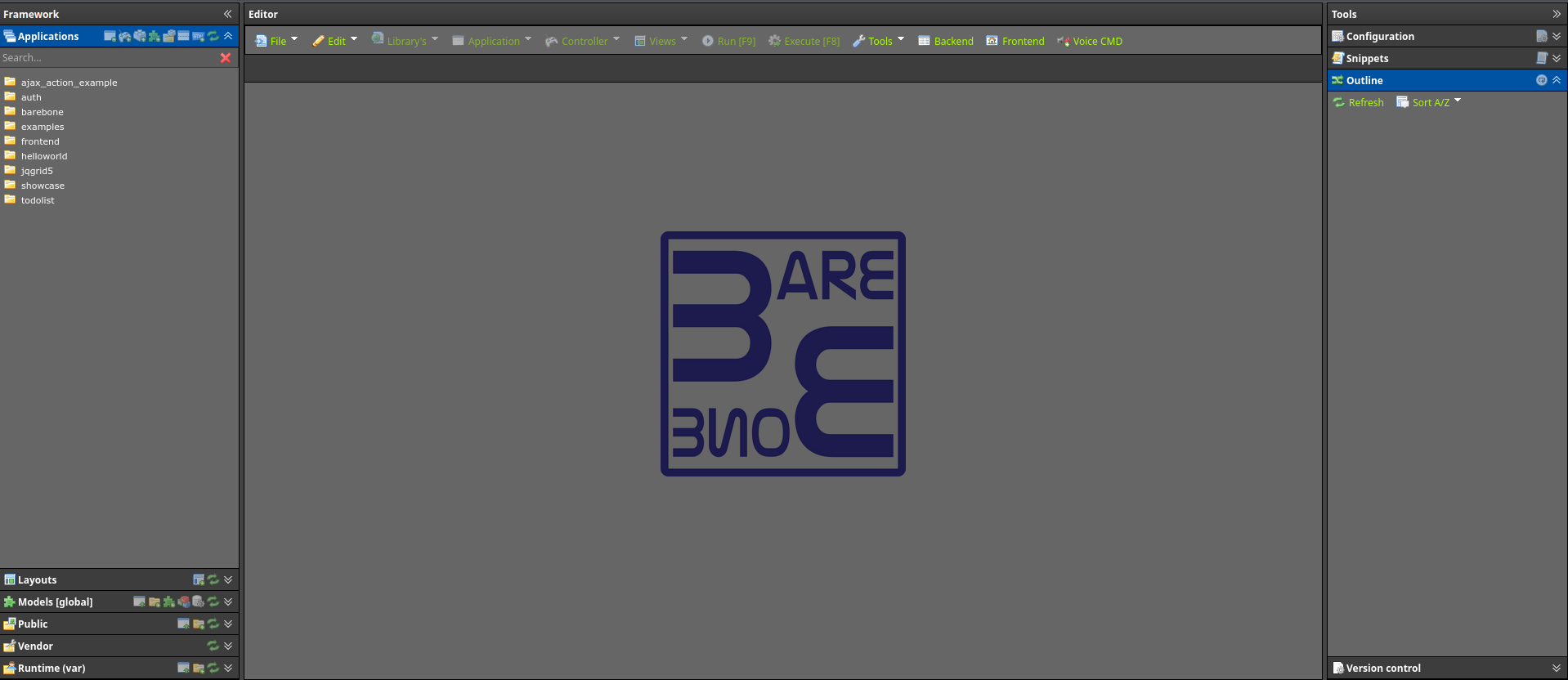
Lets break it up into part. On the left you have the applications tree with a toolbar. The tree holds all your apps and the toolbar lets you do these thing:
 Create a new application
 Create a new controller
 Create a new action
 Create a new model
 Create a new PHP class
 Create a new dialog
 Create a new blokx
 Refresh tree
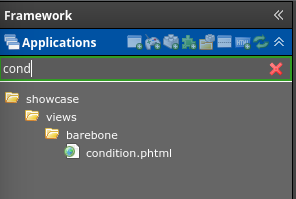
The searchbar only searches the tree nodes that are expanded. It will not expand the nodes and search each folder.
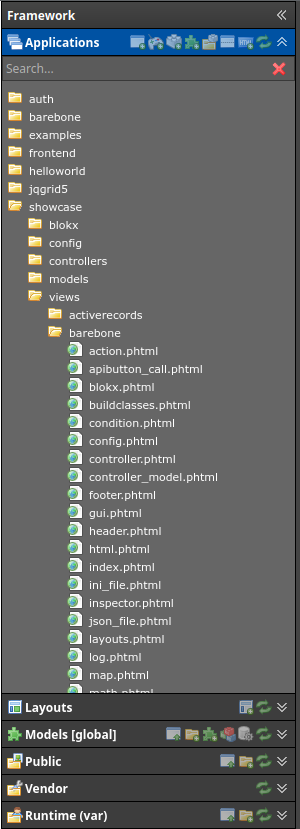
Context menus
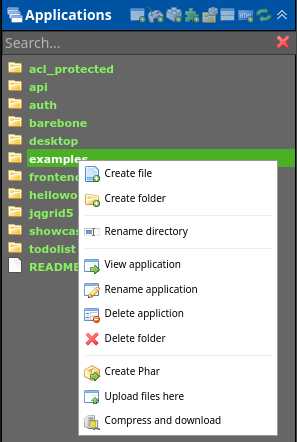
Folder contextmenu
 Create a new file in the selected folder
 Create a new folder in the selected folder
 View the selected application
Opens a new tab with the application index page. This only works when selecting an application folder Rename the selected folder
 Rename the application
Carefull with this function since it will rewrite all files in the application and rename the css and js file that belong to the application Delete the application
This will also delete css and js that belong to the application Delete the selected folder
 Create phar of the selected folder
 Upload a file to the selected folder
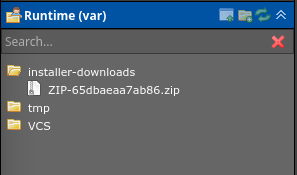
- Compress and download the selected folder
The zipfile is saved to disk in the var directory
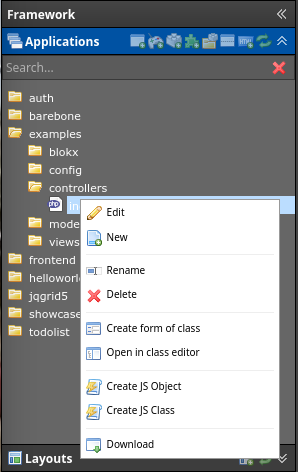
File contextmenu
 Edit the selected file
- New create a new file in the selected folder
- Rename the selected file
- Delete the selected file
 Create form of class
This only works on activerecord. It will generate a html form based on all fields in activerecord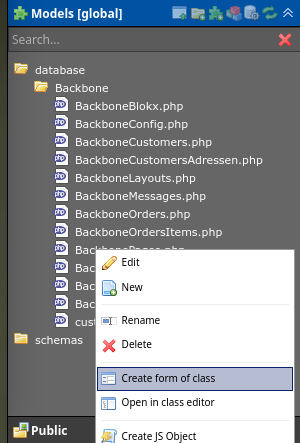
Will open this dialog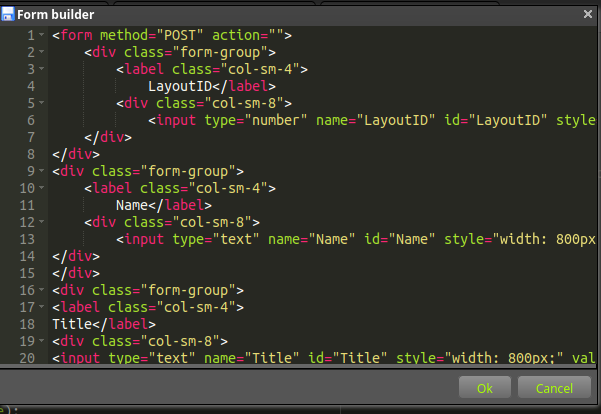
 Edit the selected file in classbuilder
Will open the classbuilder.
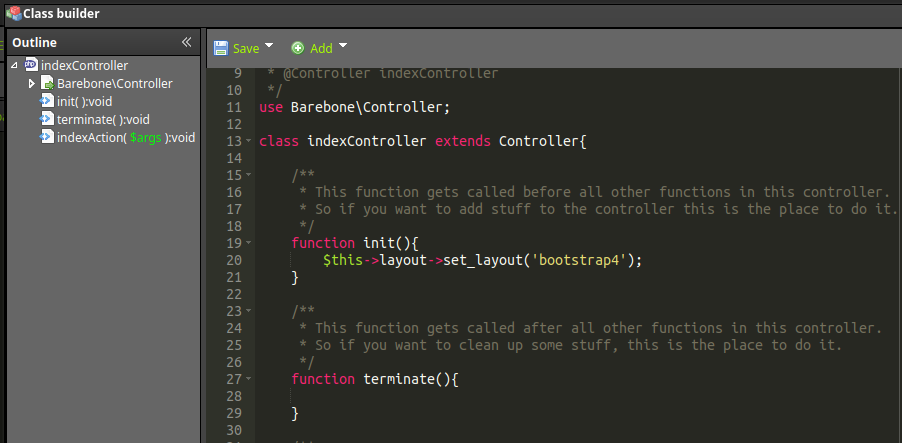
Toolbars

File menu
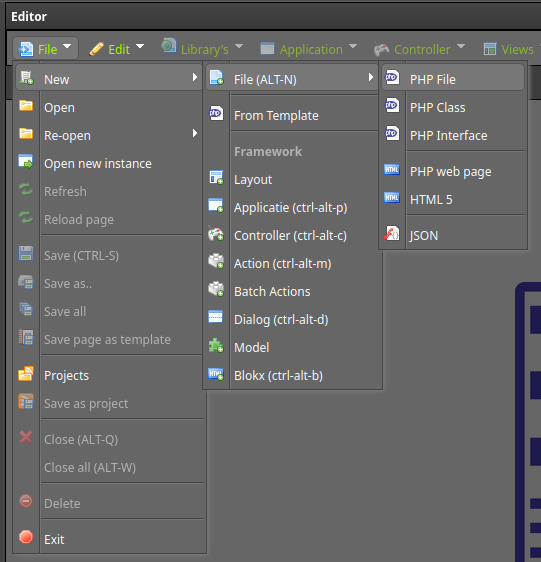
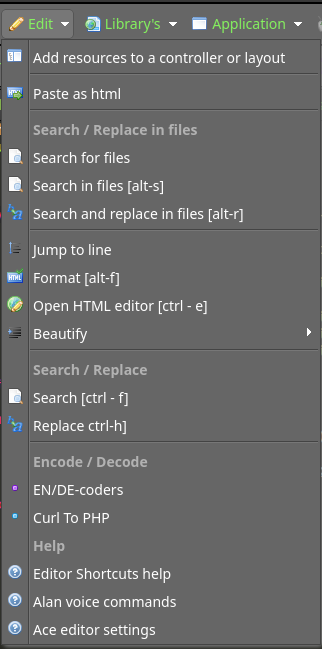
Edit menu
Librarys menu
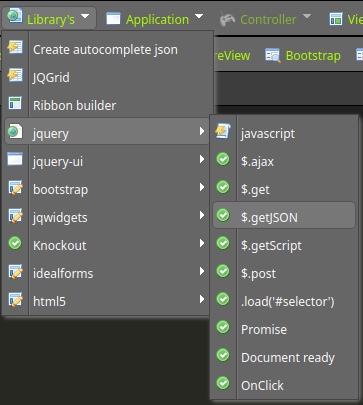
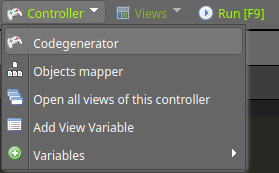
Controller menu
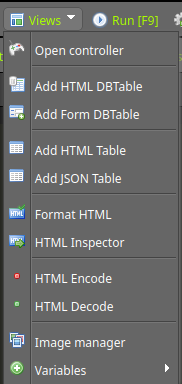
Views menu
Run and Execute menu

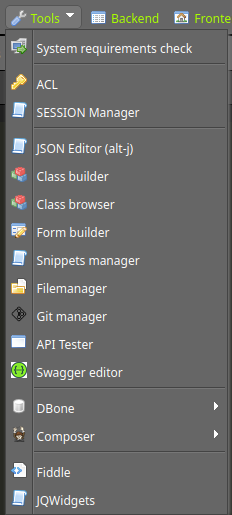
Tools menu
Front-backend, voice buttons

Toolbar views

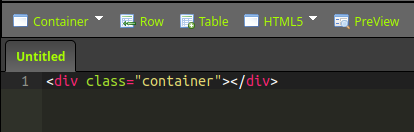
Container button
Row button
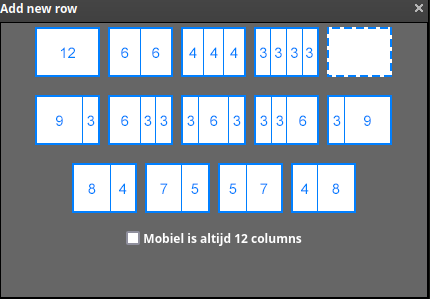
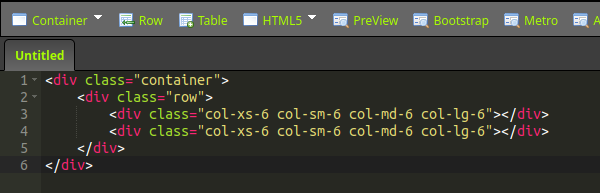
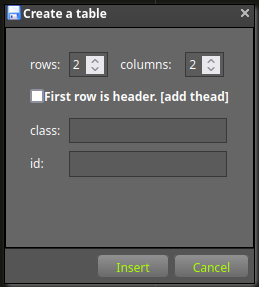
Table button
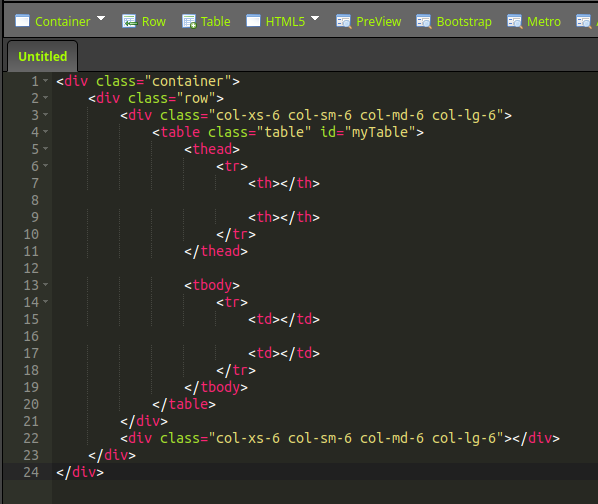
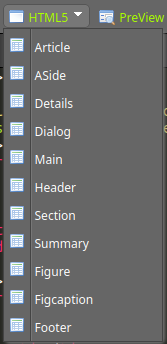
HTML5 button
PreView button

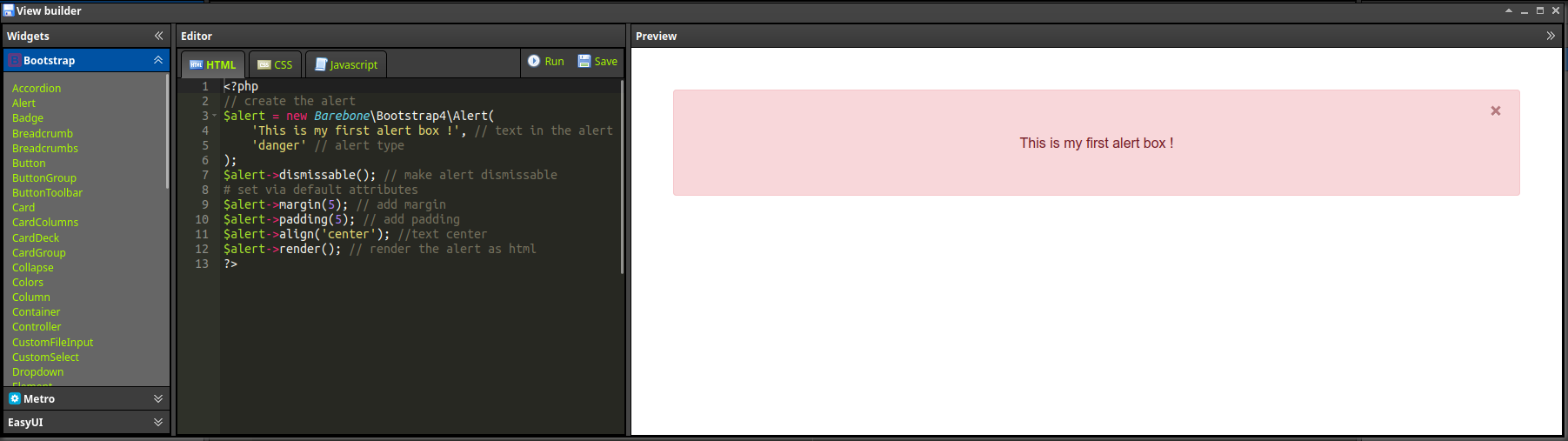
Framework bootstrap en metro button

DB Table and Form button
Formatting buttons